

Raycast
Create and manage Prisma Postgres databases directly from Raycast
Overview
Raycast is a fast and extendable launcher for macOS that lets you control your tools with a few keystrokes. The Prisma Postgres Raycast extension brings database creation and management directly into your workflow.
With the Prisma Postgres extension, you can create production-ready Postgres databases in seconds without leaving Raycast, making it perfect for rapid prototyping and development.
Installation
Install the extension directly from the Raycast Store:
- Open Raycast (⌘ + Space)
- Search for "Store" or type
store - Search for "Prisma Postgres"
- Click Install Extension
Alternatively, visit the extension page and click Install Extension.
Features
The extension provides two main commands:
Create Database
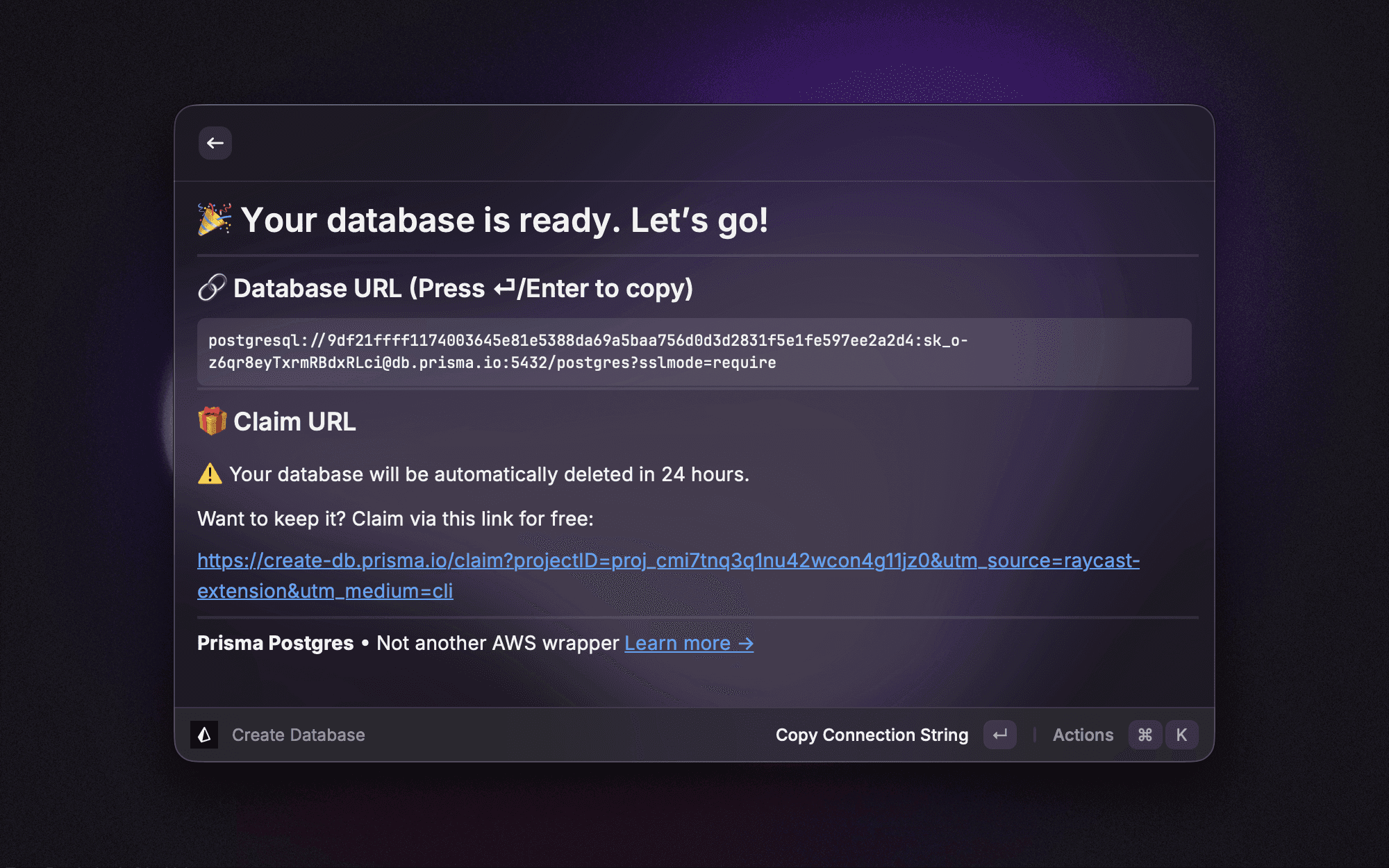
Instantly create a new Prisma Postgres database with zero configuration:
- Open Raycast and search for "Create Database"
- Select your preferred region (defaults to US East)
- Press Enter to create
You'll receive:
- A connection string for immediate use
- A direct URL for connecting to your database
- A claim URL to make your database permanent
Databases created through Raycast expire after 24 hours. Use the claim URL provided after creation to keep your database permanently.
List Databases
View and manage all your previously created databases:
- Open Raycast and search for "List Databases"
- Browse your databases with their:
- Connection strings
- Expiry status
- Claim URLs
This makes it easy to retrieve connection details or check which databases need to be claimed.
Configuration
Default Region
You can set your preferred default region for database creation:
- Open Raycast Settings (⌘ + ,)
- Navigate to Extensions → Prisma Postgres
- Select your preferred region from the dropdown
See the list of available regions for all supported locations.